Access intelligence for distributed environments

Access intelligence for distributed environments.

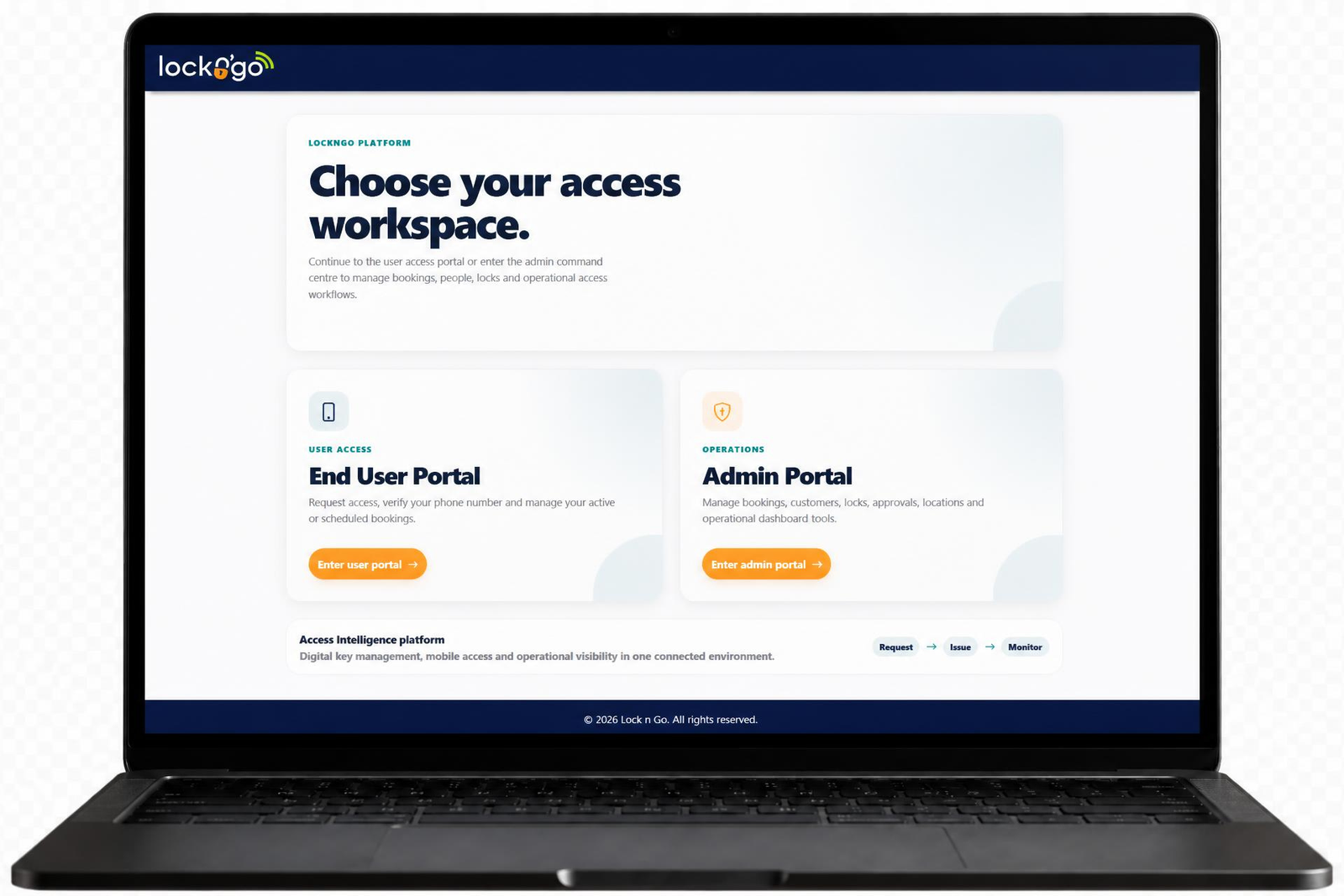
LocknGo connects iLOQ S50 mobile access with your users, systems and operational workflows. Automate how access is requested, approved, issued and revoked—while giving facilities and IT teams clearer oversight across every site.

Mobile accessIssue time-bound iLOQ S50 access without physical key handovers.
Workflow automationConnect access with rules, bookings, payments and operational processes.
Access analyticsUnderstand usage across locks and locations with optional OAi analytics.
LocknGo service layer
Connected access journey

From request to mobile access, without the manual handover.

Connect operational rules, approvals and customer journeys with iLOQ S50 mobile access.

Request

An administrator, user, booking or connected system starts the journey.

Validate

LocknGo checks timing, location, approval, payment and configured rules.

Issue

Time-bound mobile access is delivered through iLOQ S50.

Review

Activity is recorded and can be analysed through optional OAi analytics.

IntegrationConnect access with the systems supporting your operation.
AutomationReduce manual handovers and repetitive access administration.
IntelligenceTurn access activity into operational understanding.
The LocknGo system

One service layer for mobile access, workflows and operational intelligence.

Digital locking removes the need for traditional keys, but many organisations still manage access through separate systems, manual approvals, emails and spreadsheets.

LocknGo connects iLOQ S50 mobile access with bookings, business rules, payments, messaging and operational workflows. This creates one programmable service layer for issuing access, reducing repetitive administration and understanding how connected locations are being used.

01

Integration

Link iLOQ S50 with booking systems, payments, maps, messaging and customer-specific operational tools.

02

Automation

Automate how access is requested, validated, approved, issued, refreshed and revoked.

03

Mobile access

Give approved users time-bound access without physical key collection or unnecessary site visits.

04

Intelligence

Add OAi to view access outcomes, usage patterns and operational trends across connected locks and locations.

How it works

A configurable journey from request to access.

LocknGo adapts to the way each organisation operates. Access can be managed by an administrator for a controlled user base or provided through a booking, payment or self-service journey.

1

Request

Access begins with an administrator, authorised user, booking or connected system.

2

Validate

LocknGo applies the relevant location, timing, approval, payment and customer-specific rules.

3

Issue

Time-bound mobile access is delivered through iLOQ S50 without a physical key handover.

4

Review

Access activity is recorded and can be analysed through OAi when the optional module is included.

Managed access

Controlled access for an administrator-managed user base

Administrators maintain authorised users and control where access applies and how long it remains active.

Open access

Automated access through a customer journey

Customers can request, book or pay for access, with mobile access issued once configured conditions are met.

OAi — Open Access Intelligence

Understand how access is being used.

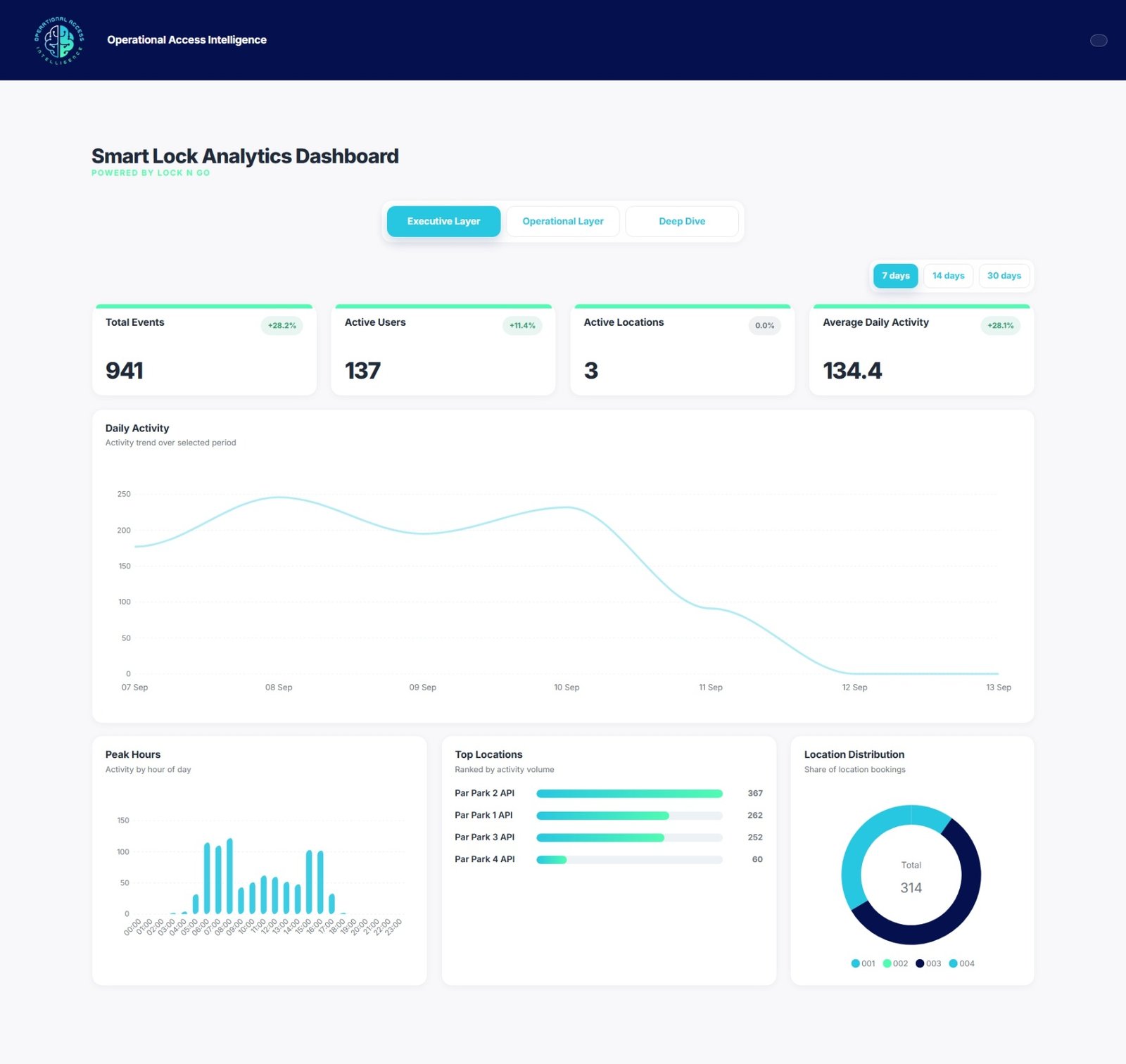
OAi is LocknGo’s optional analytics module for facilities and operations managers. It turns access activity into clear charts, graphs and tables showing when, where and how connected locations are being used.

01

Access outcomes

Review successful and failed attempts, timestamps and available user information.

02

Usage patterns

Analyse 7, 14 or 30 days using usage charts and day-and-time heatmaps.

03

Top users

See which users generate the most access activity within the available data.

04

Locks and locations

Review collated activity across connected access points and locations.

Integrations

Connect access with the systems your operation already uses.

LocknGo acts as a programmable service layer between iLOQ S50 mobile access and the systems supporting your operational and customer workflows.

S
Live integration

Stora

When access is granted or removed in Stora, a secure system request triggers the corresponding change in LocknGo.

£
Live integration

Stripe

Process payments through the customer’s Stripe account and trigger access after a successful transaction.

LocknGoProgrammable service layerPowered by iLOQ S50
M
Live integration

Google Maps

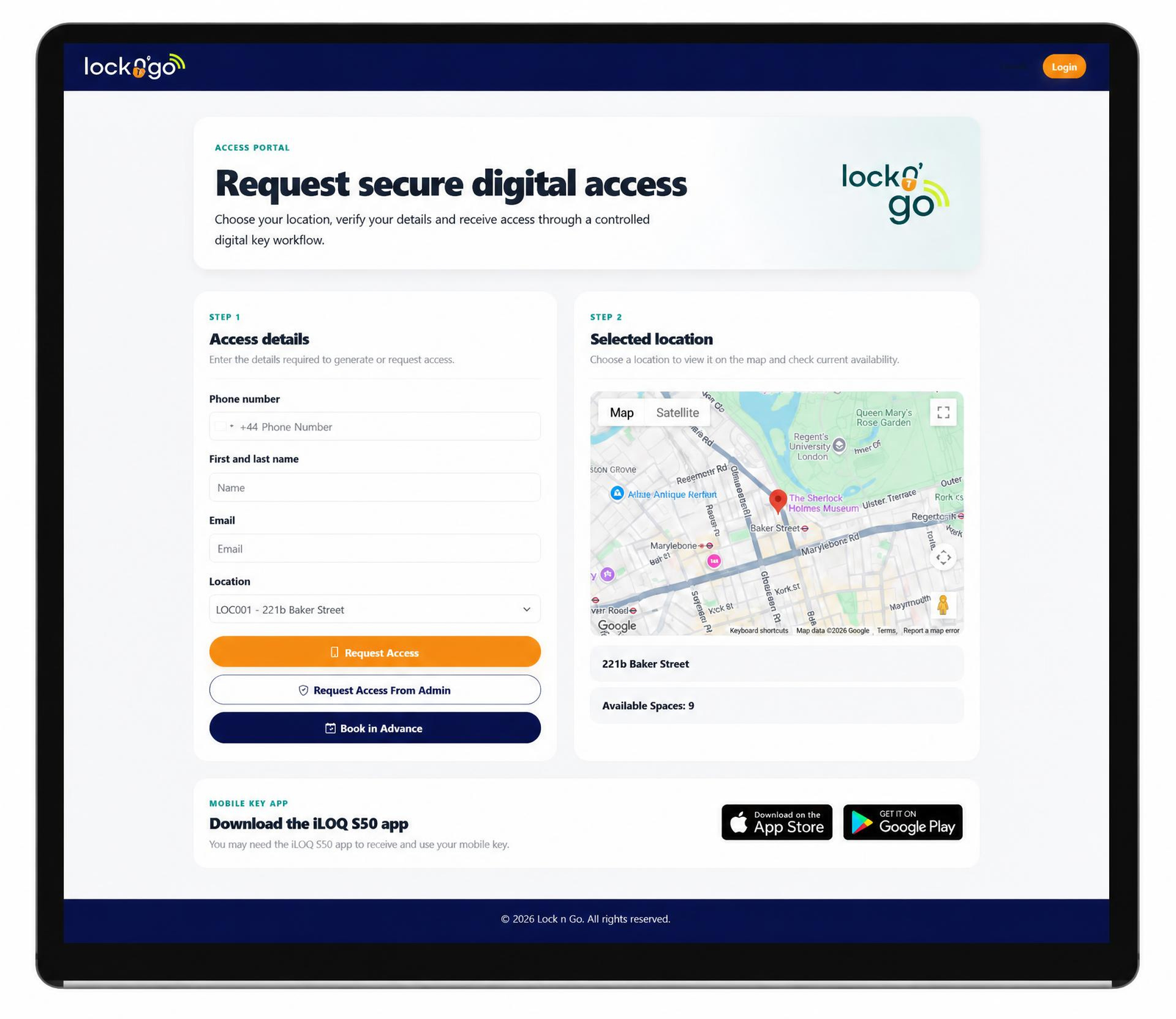
Show a selected site or access point on a map that updates when the user changes location.

T
Live integration

Twilio

Send registration and access-related SMS messages where user communication is required.

In development

DSOC / Sentinel

A combined security-monitoring integration is being developed to connect access activity and exceptions with wider monitoring and response workflows. It is not yet generally available.

Configurable integrations

Built around your operation

LocknGo can develop integrations for booking systems, payments, messaging and other tools where suitable APIs and technical requirements are available.

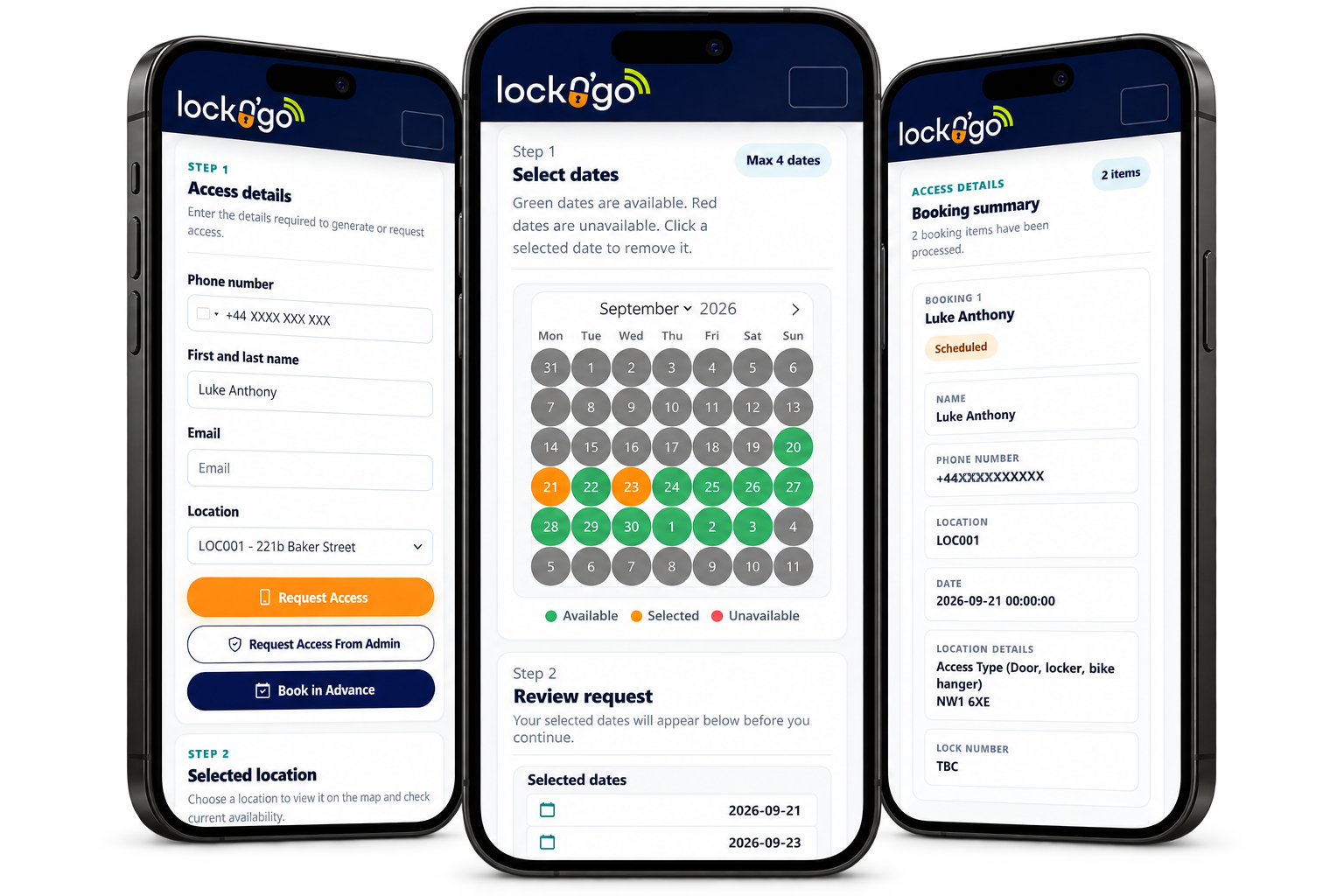
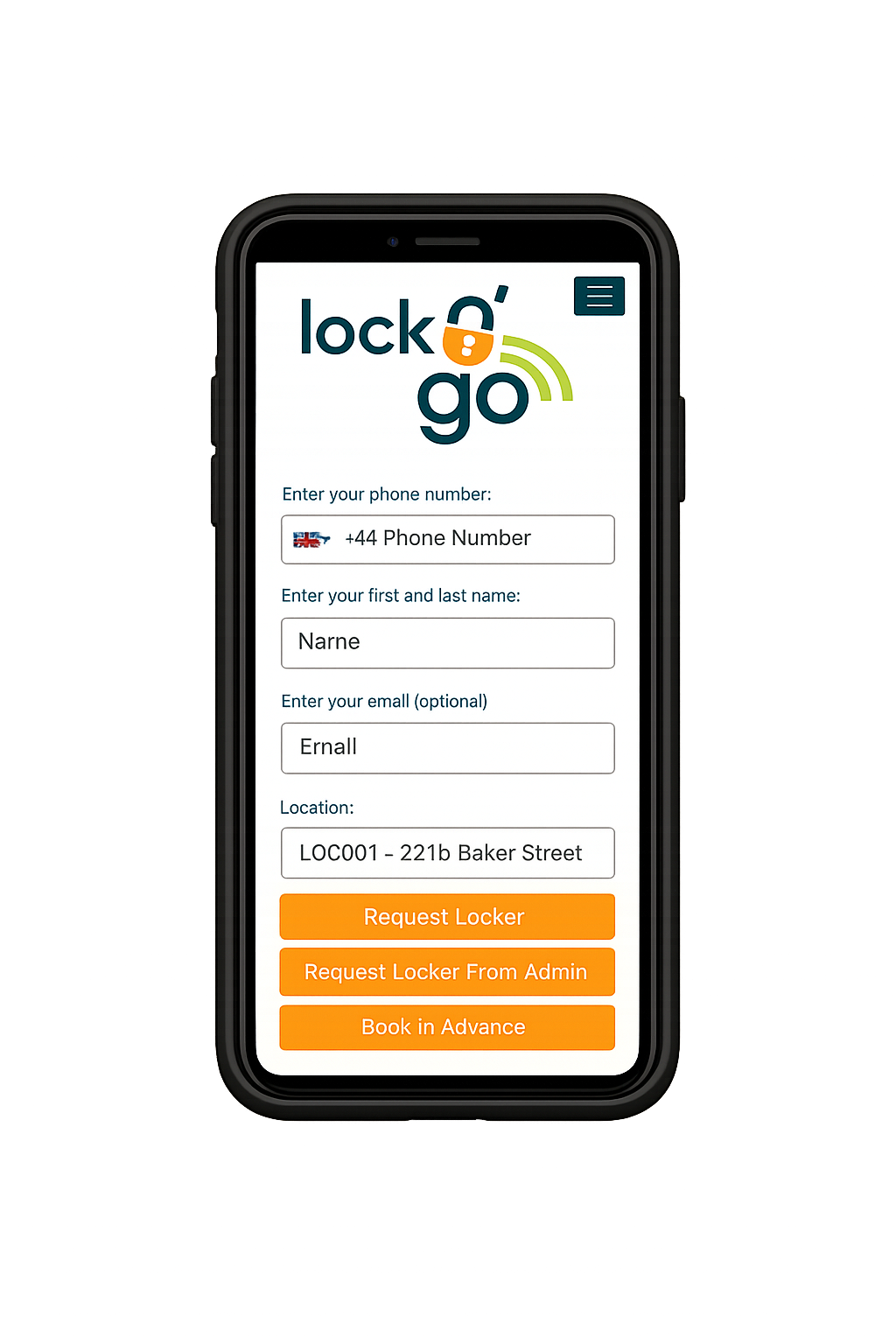
iLOQ S50 mobile access screen
iLOQ S50 mobile access

Proven digital locking, enhanced by LocknGo.

iLOQ S50 provides zero-power NFC smart locks and mobile credentials. LocknGo connects that technology with operational rules, bookings, payments, messaging and access analytics.

Zero-power smart locking

Locks draw the energy required for access from a compatible NFC-enabled phone, reducing battery maintenance and lock-side wiring.

Close-range NFC access

Users deliberately present their phone close to the lock, helping reduce the risk of unintended or remotely relayed access.

Time-bound mobile credentials

Approved users receive access for the relevant location and period without collecting or returning a physical key.

Use cases

Mobile access built around real operational workflows.

Coordinate access across people, locations and time windows without relying on physical key handovers or disconnected administration.

Staff, engineer and contractor access

Issue time-bound access while retaining control over each door, padlock and access period.

Multi-site access management

Coordinate mobile access across buildings, car parks, facilities and operational sites.

Managed staff access

Maintain an administrator-controlled user base and issue access for relevant locations and times.

Customer and self-service access

Connect booking or payment journeys with automatically issued iLOQ S50 mobile access.

Housing and property operationsFacilities managementCar parks and shared facilitiesUtilities and operational infrastructureLogistics and warehousingFuture configured sectors
For channel partners

Partner with LocknGo.

Help customers move beyond smart-lock hardware with a complete proposition combining iLOQ S50 mobile access, configurable workflows, integrations and OAi analytics.

Partner with LocknGo

Stronger customer proposition

Extend digital locking with workflow automation, integrations and access analytics.

Supported delivery

Lead the customer relationship while LocknGo supports assessment, integration, configuration and advanced troubleshooting.

Training and enablement

Access sales and technical training, onboarding guidance and administrator support tools.

Flexible models

Work with flexible hardware and commercial arrangements suited to partner-led customer propositions.

Less manual administrationReduce physical key handovers and repeated access tasks.
Clearer oversightSee access activity across connected users, locks and locations.
Configurable workflowsAdapt access processes around each organisation’s operating model.
Start a conversation

Talk to LocknGo about your access operation.

Whether you want to improve mobile access across your organisation or add LocknGo to your customer proposition, tell us what you are trying to achieve.

How can we help?

We will use the information you provide to respond to your enquiry. See our Privacy Policy for details.

Cookie preferences

Necessary cookies are always active. Analytics cookies remain off unless you enable them.